Free Poker Timer for Home Tournaments
PokerPlanner gives home-game hosts a clean poker timer that is built for the real pace of a tournament night. Instead of juggling a phone timer, a spreadsheet, and a group chat, you can create the event, set the blind structure, display the clock, and keep players informed from one browser-based workspace.
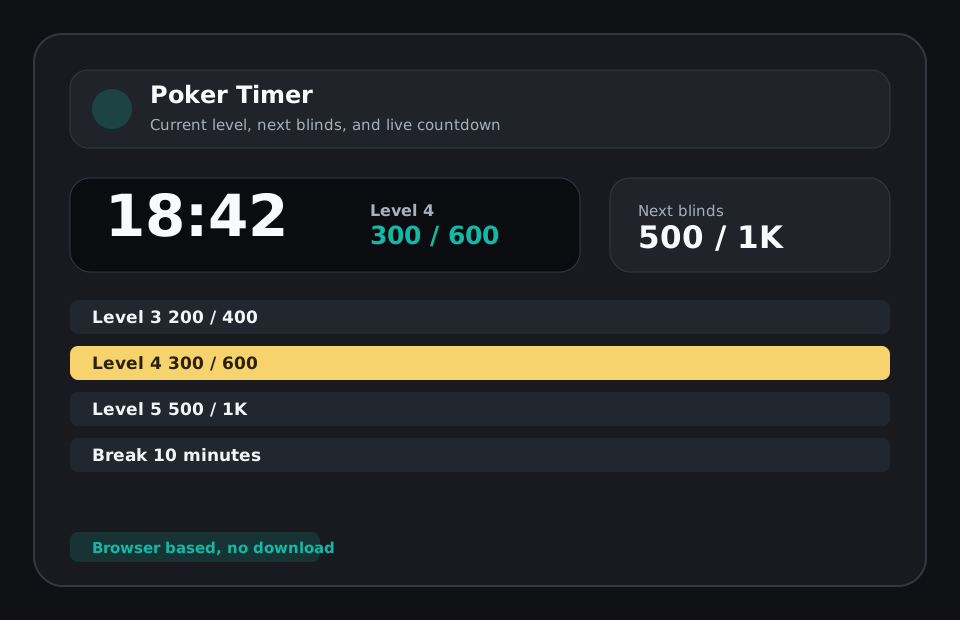
A timer made for live poker nights
A useful poker timer needs to do more than count down. Players want to know the current blinds, the next jump, when the break is coming, and how much time is left before the room changes pace. PokerPlanner keeps that information visible without turning the host screen into a cluttered control panel. The timer view is easy to read from across the room, and the host controls stay close enough for quick pauses, starts, and level changes.
Plan before cards are in the air
Good home tournaments start before the first hand. PokerPlanner lets you connect the timer to the tournament setup: buy-in, field size, rebuys, add-ons, payout estimates, saved structures, and player registration. That means the timer is not an isolated stopwatch. It is part of the same workflow that tells you who is checked in, how many chips are in play, what the current level should be, and what needs attention next.
TV-friendly by default
Many poker timer apps look fine on a phone but fall apart on a shared screen. PokerPlanner includes a tournament clock view that can be opened on a TV or spare monitor. It highlights the active level, current blinds, next blinds, and key tournament details so players do not need to ask the host every ten minutes. For a home game, that alone removes a surprising amount of friction.
No download required
PokerPlanner runs in a web browser. Hosts can use it from a laptop or tablet, while players can open QR links on their phones. That makes it easier for a rotating group of players because nobody needs to install a special poker timer app just to follow the night. The goal is simple: give the host enough structure to run a cleaner tournament without making casual players learn new software.
Related poker tournament tools and guides
FAQ
Is PokerPlanner free to use?
All features are free during the beta and a free model will always be available. Hosts can create groups, build tournaments, run the clock, use the TV board, track players, and use the core planning tools.
Can I use it for a casual home poker game?
Yes. The tool is designed for home poker tournaments first, with simple setup for buy-ins, blinds, breaks, seats, rebuys, add-ons, payouts, and player check-in.
Does the poker timer work on a TV?
Yes. PokerPlanner includes a TV-friendly tournament clock that can be opened on a shared screen so players can see the current level, next blinds, and timer.
Do players need to download an app?
No. PokerPlanner runs in the browser. Players can use links or QR codes to view lobby information, check in, and follow tournament status without installing anything.
What makes this different from a simple phone timer?
A phone timer counts down one interval. PokerPlanner connects the timer to blinds, players, check-in, seats, payouts, group links, and the TV clock.