How to Run a Home Poker Tournament
Running a home poker tournament is mostly about clear structure. If players know the buy-in, chips, blind levels, breaks, payouts, and timing, the night feels smooth. PokerPlanner helps hosts put those pieces in one place and keep the game moving.
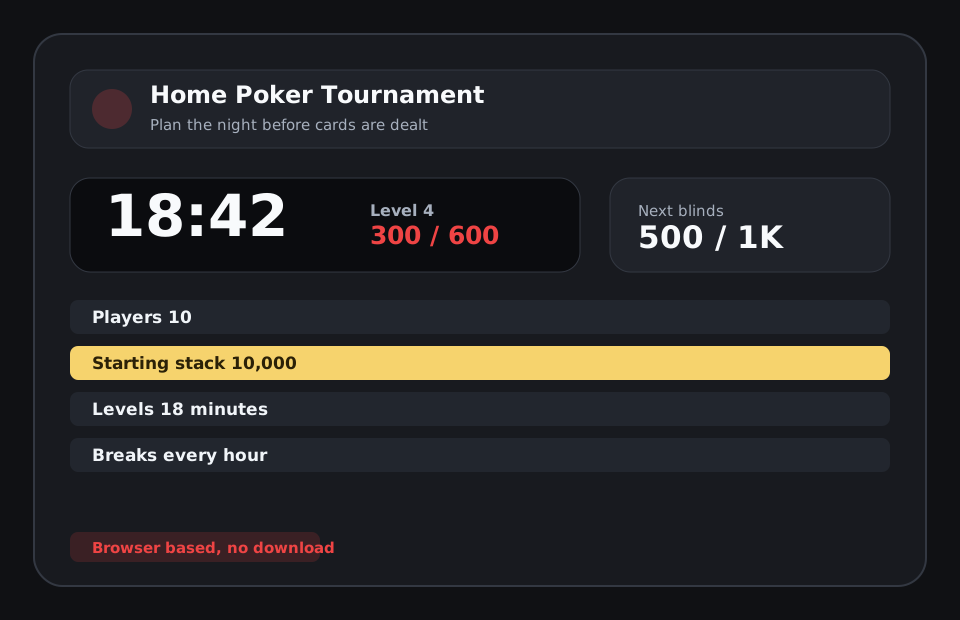
Start with the field size and time limit
Before choosing blinds, decide how many players you expect and how long the tournament should last. A 6-player weeknight game has different needs than a 16-player Saturday event. The blind schedule, starting chips, rebuy rules, and break timing should all support the length of night you want. PokerPlanner helps connect those choices so the timer and structure match the actual game.
Choose a blind schedule players can follow
The blind schedule should rise steadily without making the early levels meaningless or the late levels chaotic. Home tournaments often work best with simple levels, clear breaks, and enough time for players to settle in. Showing current and next blinds on a TV or laptop keeps everyone oriented, especially when a host is also playing.
Make check-in and seating clear
A little organization before cards are dealt saves time later. Decide who is in, whether guests can register, how seating will work, and how late arrivals are handled. PokerPlanner supports group members, player check-in, table seating, and player-facing lobby links so the host can spend less time answering the same setup questions.
Set payouts before the bubble
Payout arguments are avoidable. Decide how many places pay and what percentages make sense for the field before the tournament starts. PokerPlanner includes payout tools and tournament state so the prize pool can stay visible as players register, rebuy, or add on. That keeps the night friendly when the money gets real.
Related poker tournament tools and guides
FAQ
Is PokerPlanner free to use?
All features are free during the beta and a free model will always be available. Hosts can create groups, build tournaments, run the clock, use the TV board, track players, and use the core planning tools.
Can I use it for a casual home poker game?
Yes. The tool is designed for home poker tournaments first, with simple setup for buy-ins, blinds, breaks, seats, rebuys, add-ons, payouts, and player check-in.
Does the poker timer work on a TV?
Yes. PokerPlanner includes a TV-friendly tournament clock that can be opened on a shared screen so players can see the current level, next blinds, and timer.
Do players need to download an app?
No. PokerPlanner runs in the browser. Players can use links or QR codes to view lobby information, check in, and follow tournament status without installing anything.
How long should a home poker tournament last?
Many casual home tournaments run two to four hours. Field size, starting chips, blind level length, and rebuy rules all affect the finish time.